
Paid search insights
A sharper take on paid search.
Practical guides to Google Ads, conversion tracking, Shopping, and Performance Max. Most focus on ecommerce, but the structure and measurement advice applies to lead generation too.
 Latest · Lead Generation
How to improve lead quality from Google Ads
Improve Google Ads lead quality by defining a qualified lead, fixing targeting and forms, and feeding sales outcomes back into campaign decisions.Read the guide → Lead Generation
Google Ads conversion tracking for lead generation: what to check
Check Google Ads lead-generation tracking across forms, calls, appointments, qualified leads, customers, values, consent, and duplicate events. Lead Generation
How to import qualified leads and sales into Google Ads
Connect Google Ads with qualified leads and sales from your CRM using reliable identifiers, event times, values, uploads, and validation.Lead GenerationEnhanced conversions for leads: what they track and what they do not
Understand enhanced conversions for leads, the data they connect, current setup routes, consent requirements, and the problems they cannot fix.Lead GenerationWhy Google Ads generates bad leads and what to check first
Diagnose bad Google Ads leads in the right order across queries, locations, campaigns, landing pages, forms, spam, tracking, and sales follow-up.Lead GenerationPPC reporting for lead generation: from form fills to revenue
Build lead-generation PPC reporting that connects spend and enquiries with qualified leads, opportunities, customers, revenue, and clear next actions.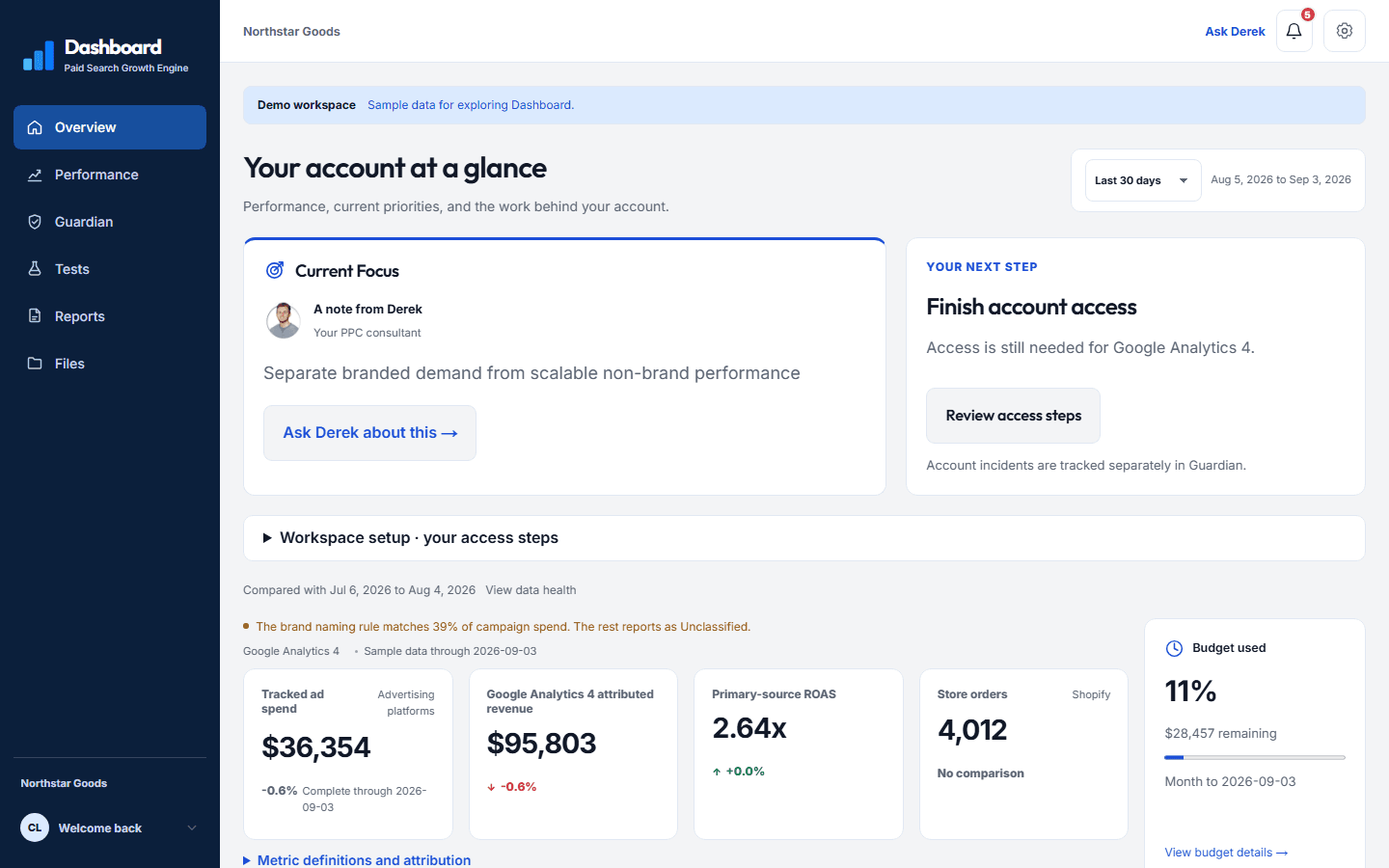 Reporting and Measurement
What should a PPC dashboard show?
A useful PPC dashboard connects spend and conversions with business outcomes, reporting freshness, attribution limits, account changes, and the next decision. Shopping and Merchant Center
Google Shopping custom labels: how to organize your campaigns
Use Google Shopping custom labels for margin, stock, seasonality, and best sellers. Learn when to use product groups and when to split campaigns. Search and Account Structure
Google Ads search terms: how to find ecommerce product ideas
Find product ideas in Google Ads search terms, check them against store sales and margins, and choose a small test before expanding your catalog. Search and Account Structure
When does a new product line need its own Google Ads campaign?
Decide when to split a product line into its own Google Ads campaign using store sales, margins, demand, inventory, and budget requirements. Search and Account Structure
How to prioritize ecommerce PPC fixes: a practical checklist
Decide what to fix first in an ecommerce PPC account: urgent spend problems, purchase tracking, product eligibility, campaign overlap, and testing. Channel Strategy
ChatGPT Ads for ecommerce: access, costs, and testing
Prepare an ecommerce ChatGPT Ads test: confirm access, understand buying options, write relevant ads, check purchase tracking, and set review criteria. Channel Strategy
Microsoft Ads for ecommerce: when is it worth testing?
Check whether your store is ready for Microsoft Ads, including Google Import settings, product feeds, UET purchase tracking, and a realistic test budget. Performance Max
Performance Max vs Search: how to choose an ecommerce budget
Compare Performance Max and Search for ecommerce. Decide where budget belongs using query control, feed quality, branded traffic, and product margins. Hiring a PPC Consultant
How to choose an ecommerce PPC consultant: questions to ask
Ask an ecommerce PPC consultant about account ownership, tracking, Shopping feeds, fees, reporting, and who will do the work before you hire. Measurement and Reporting
Ecommerce PPC reporting: metrics, context, and next steps
Build an ecommerce PPC report that connects spend, orders, ROAS, product margins, tracking limits, and account changes to clear next steps. Search and Account Structure
Google Ads Search campaign structure for ecommerce
Structure ecommerce Search campaigns around brand and category intent, relevant landing pages, margins, and budgets without splitting the account too far. Measurement and Reporting
Ecommerce PPC conversion tracking: what to check before bidding
Check ecommerce purchase tracking for duplicate conversions, order values, currency, primary goals, attribution, and consent before trusting your PPC reports. Shopping and Merchant Center
Merchant Center feed management: how to keep product data accurate
Keep Merchant Center product data accurate with clear ownership, update checks, price and stock checks, and a plan for promotions and site changes. Shopping and Merchant Center
Google Shopping management: feeds, campaigns, and reporting
Learn what Google Shopping management involves, from Merchant Center and product grouping to campaign budgets, branded traffic, and useful reporting. Search and Account Structure
Ecommerce Google Ads audit: what to check and fix first
Audit ecommerce Google Ads in the right order: business goals, purchase tracking, Merchant Center, campaign structure, search terms, and priority fixes. Channel Strategy
Google Ads, Microsoft Ads, and ChatGPT Ads: an ecommerce guide
Compare the roles of Google Ads, Microsoft Ads, and ChatGPT Ads in ecommerce, with practical checks for channel expansion, tracking, and budget. Shopping and Merchant Center
Merchant Center disapprovals and suspensions: a recovery guide
Diagnose Merchant Center disapprovals or suspensions, fix feed and website issues, request review when required, and verify Shopping campaign recovery. Performance Max
Performance Max optimization: an ecommerce cleanup checklist
Improve Performance Max with a cleanup checklist for purchase tracking, Merchant Center, branded traffic, product groups, assets, URLs, and budgets. Performance Max
Performance Max brand exclusions: how to separate branded demand
Learn how to assess branded traffic in Performance Max, test brand exclusions, protect useful coverage, and compare results across the account. Shopping and Merchant Center
Google Shopping feed audit: a practical Merchant Center checklist
Audit your Shopping feed for product eligibility, identifiers, titles, variants, prices, availability, and landing-page mismatches before changing bids. Hiring a PPC Consultant
What should ecommerce Google Ads management include?
Know what to expect from ecommerce Google Ads management: tracking checks, Search and Shopping strategy, feed ownership, testing, and clear reporting.Ready to dig into your own account?
Tell me what’s unclear in your Google Ads account and I’ll help you find what to fix first.