Derek Vaal
Derek VaalEcommerce PPC Consultant
Reporting

Reporting built to support decisions, approvals, and accountability.

My reporting is designed to make performance easier to understand and easier to act on. Clients get clear KPI views, embedded reports, direct recommendation emails, and a private client area that keeps reporting and resources organized.

Client portal

What clients actually get access to.

Invite-only access

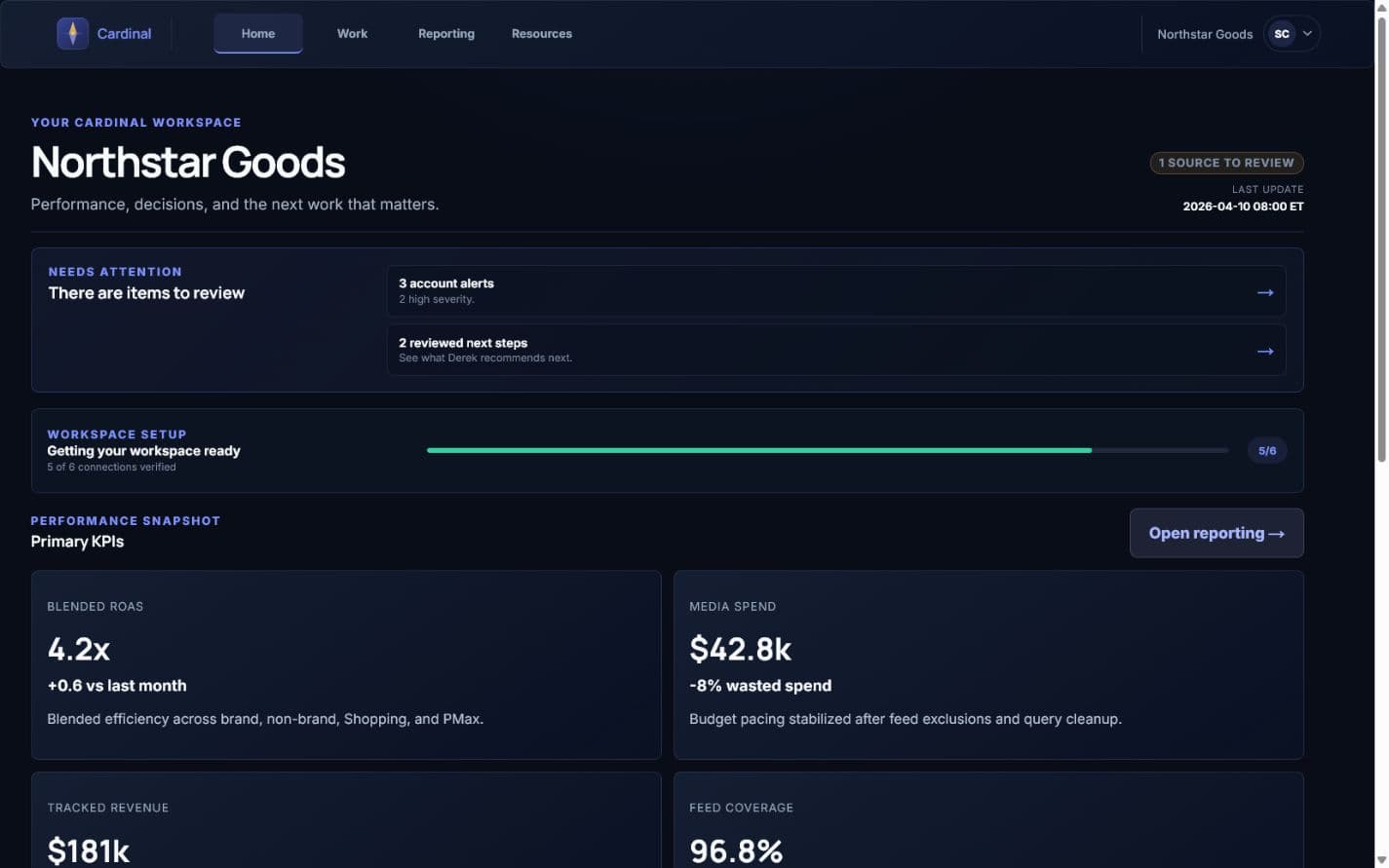
KPI summary bar

Spend, tracked revenue, ROAS, conversion movement, and reporting freshness visible before anyone has to open a detailed report.

Campaign performance layer

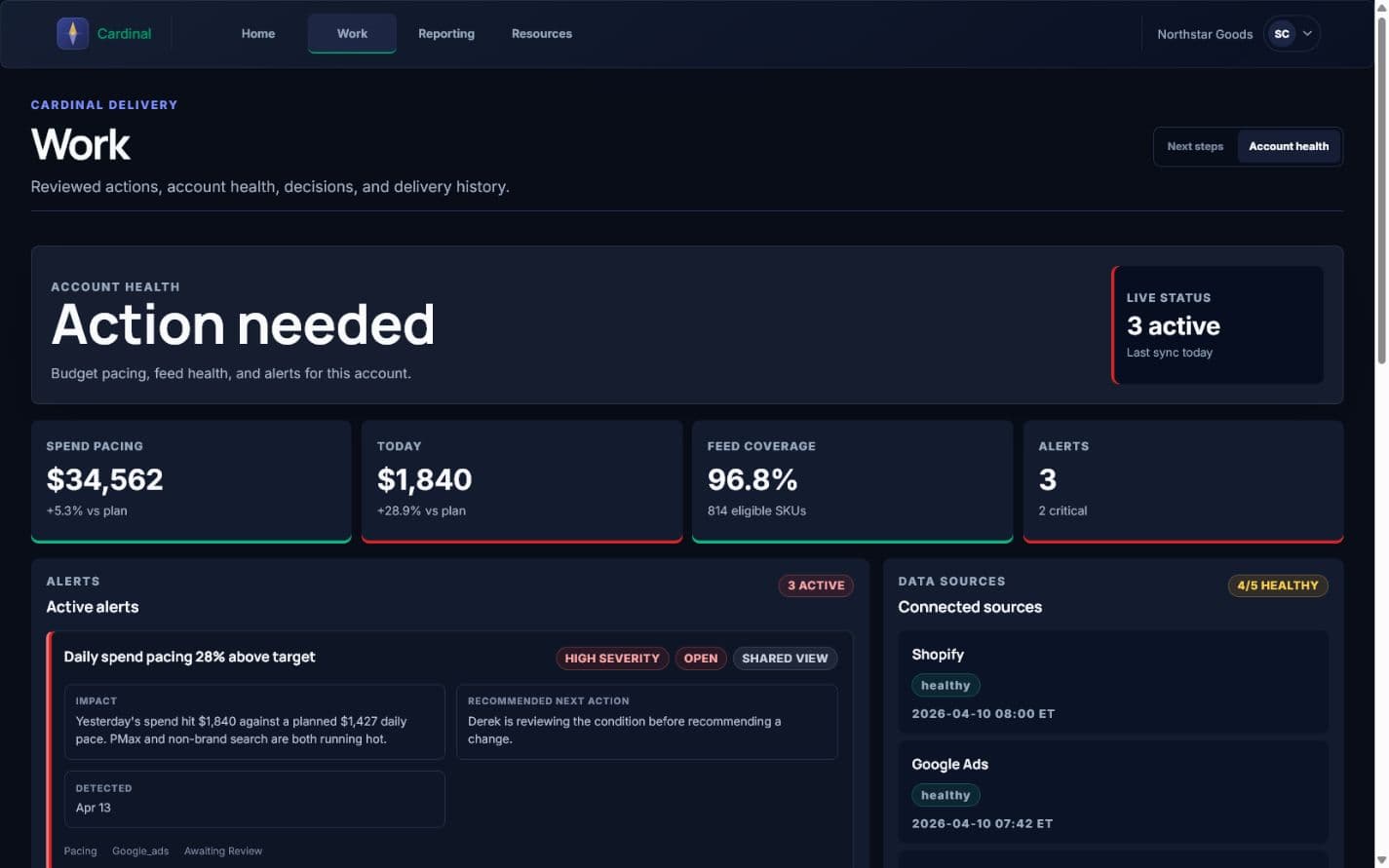
Google Ads campaign visibility with trend context and channel splits, so performance is easier to understand at a glance.

Revenue and attribution context

GA4 and ecommerce-source visibility so paid-search decisions are viewed in the context of the bigger revenue picture.

Recommendation delivery

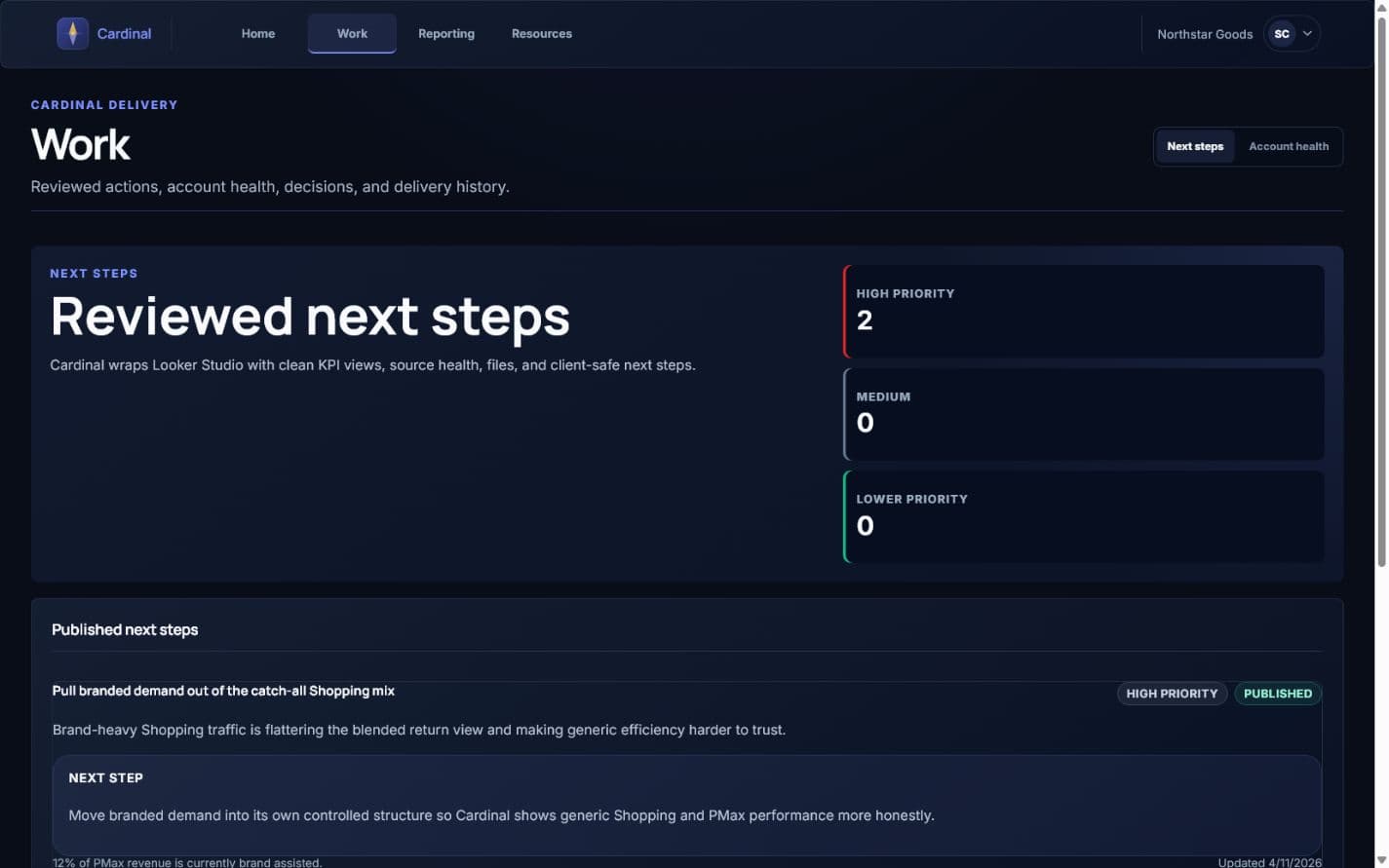
Clients get direct recommendation emails alongside the reporting layer, so next steps are easier to review, forward, and approve.

Integration health

Status checks for Shopify, Google Ads, GA4, Merchant Center, and supporting tools so stale data does not get mistaken for real performance.

Client files and resources

Audits, plans, exports, and shared resources stay accessible in the client area instead of disappearing into email.

What matters

The reporting is built around what matters to the business, not vanity metrics.

ROAS

A simpler first-look metric for clients who want a quick read on efficiency before going deeper into the full account picture.

Tracked revenue gap

Helps show where reporting is strong, where it is weak, and what should be trusted before making changes.

Feed coverage

If eligible SKUs are missing from Shopping and Performance Max, growth gets limited before bid strategy even matters.

Wasted spend

Query and placement waste are often the fastest path to better efficiency in an account that has not been tightly managed.

Reporting stack

Looker Studio for v1, supported by a cleaner client portal experience.

Why this stack works

Looker Studio stays cost-efficient and flexible for v1, while the portal adds the missing pieces around it: file access, client logins, source health visibility, and shared resources around the reports.

What clients see in practice

  • Executive overview with spend, ROAS, tracked revenue, and trend context
  • Shopping and PMax diagnostics including feed coverage and asset-group structure
  • Non-brand efficiency review with CPC, query quality, and match-type insights
  • Channel and attribution context from GA4 and ecommerce data sources
Portal access

Client logins start when the engagement and onboarding are live.

The portal is invitation-only. If you are evaluating fit, start with the contact page. If you are already a client, use the login link from your invite.